
How do you look up a provider's NPI?
Use at least one strong anchor: a full ten-digit NPI, or legal name plus state or city, or an organization's legal name. Run the search on the official NPPES NPI Registry search when you need evidence your compliance policy accepts (screenshot or export with a date). NPIPublicData.org’s lookup mirrors the same class of public fields for speed; repeat the same query on CMS when proof matters.
When you verify for work, ask for the exact spelling on the license or enrollment packet. Middle initials, hyphenated surnames, and generational suffixes matter because NPPES stores what was submitted on the enumeration application.
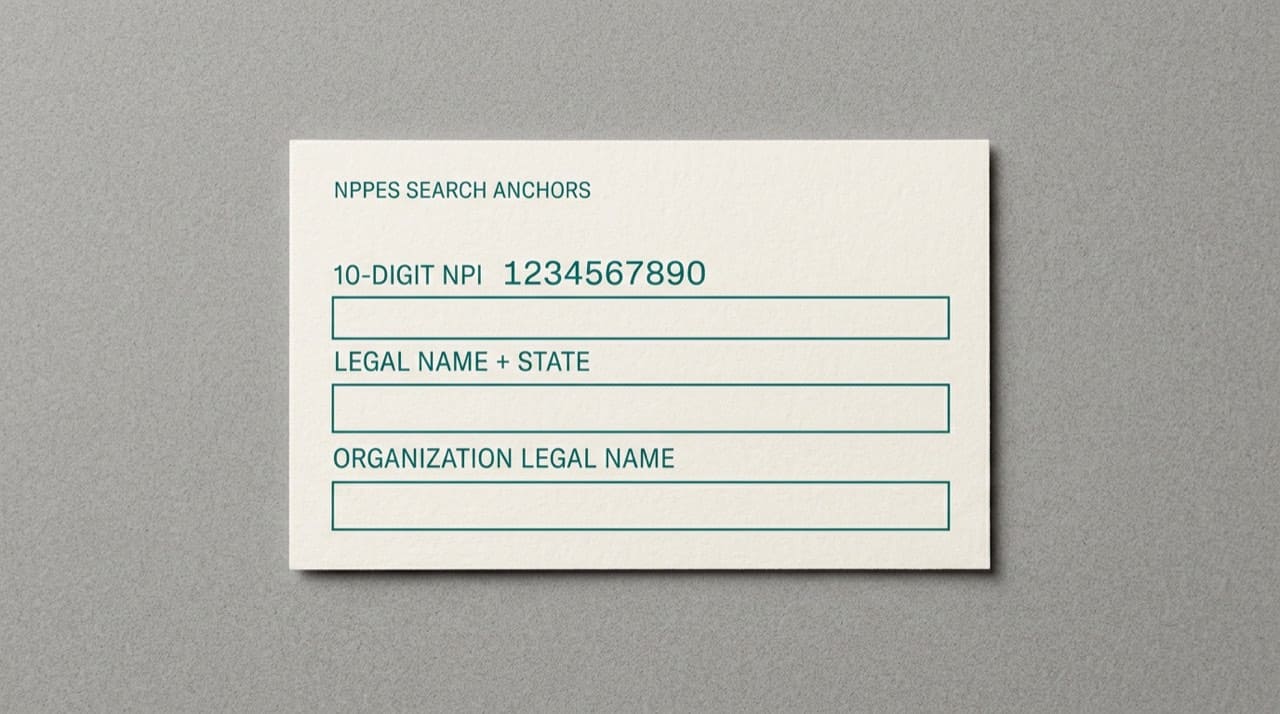
Searching by NPI number
Transposed digits are the most common reason a valid NPI suddenly looks wrong in a portal. When the number checks out in one system but fails in another, compare against the official registry rather than assuming the payer is broken.
Searching by name and location
If you get too few rows, loosen one filter at a time. If you get hundreds, tighten with taxonomy or organization name.
Organization searches reward exact legal strings. "Smith Family Medicine PLLC" and "Smith Family Medicine" may not return the same top result.
Use the official registry when proof matters
NPIPublicData.org is an independent reference site. We are not CMS and we do not run NPPES. CMS's NPI overview explains how the identifier fits the program; the registry search is where you pull the row for dated verification.
Open the official search, reproduce your query, and save a screenshot or PDF the way your policy requires.
When the easy search fails
Recent legal name changes, maiden names on old paperwork, and DBAs that never matched NPPES can hide a record. Deactivated numbers still appear in history-oriented workflows. For background on status, read why an NPI lookup may show "Deactivated".
Taxonomy codes as a filter
Taxonomy describes provider type for administrative purposes. They help disambiguate two people with the same name when one is a dentist and the other is a nurse practitioner. For a slower tour of those labels, see understanding NPI taxonomy codes.
Developers and bulk workflows
If you validate thousands of rows a day, read our API documentation for rate limits and authentication. Pair that with reconciliation to CMS sources on a schedule your risk team picks.
For file-based research, the Downloads hub points to CMS full NPPES extracts. Read CMS Data Dissemination documentation before you parse production bytes.
Documenting what you found (and when you looked)
Professional teams timestamp evidence: date, initials, CMS direct versus mirror. For credentialing, include the full legal name string exactly as NPPES shows it.
Mobile browsers, PDFs, and copy-paste traps
Phones wrap lines and autocorrect addresses. For serious work, use desktop before you copy into a legal document. Scanned PDFs sometimes embed invisible line breaks that break search when you paste into a form.
For how third-party tools relate to CMS, read third-party NPI sites and the official registry.
Team habits that prevent repeat lookups
Store canonical provider rows in your PM system once verified. Tag the source as "NPPES verified on [date]" so staff know when to refresh.
When you train a new hire, run one example on NPI Lookup (same site as above), then repeat on CMS so they see how fields line up. If they are new to the concept, start with what an NPI number is.
Seasoned billers sometimes forget schedulers have never seen an NPI field. Pair written steps with a live demo. Note which payers surface the NPI on remits and which hide it so trainees spot mismatches without juggling six tabs.
If a provider just moved or updated NPPES, schedule a quick re-check next week. Rows drift faster than the PDF someone saved last quarter.
Reading Type 1 vs Type 2 on the result
After you find a hit, confirm whether the row is an individual or organization enumeration. That field changes how you map the number into credentialing packets and claim templates. For the split in plain language, read Type 1 vs Type 2 NPI explained.
Practical next steps
Pick the strongest identifier you have, confirm on the official search, then write down legal name, practice address, taxonomy, and enumeration type. For short answers to common UI questions, see our FAQ. Read our Disclaimer for limits on mirrored data. Contact us if our page renders a row oddly compared with CMS.