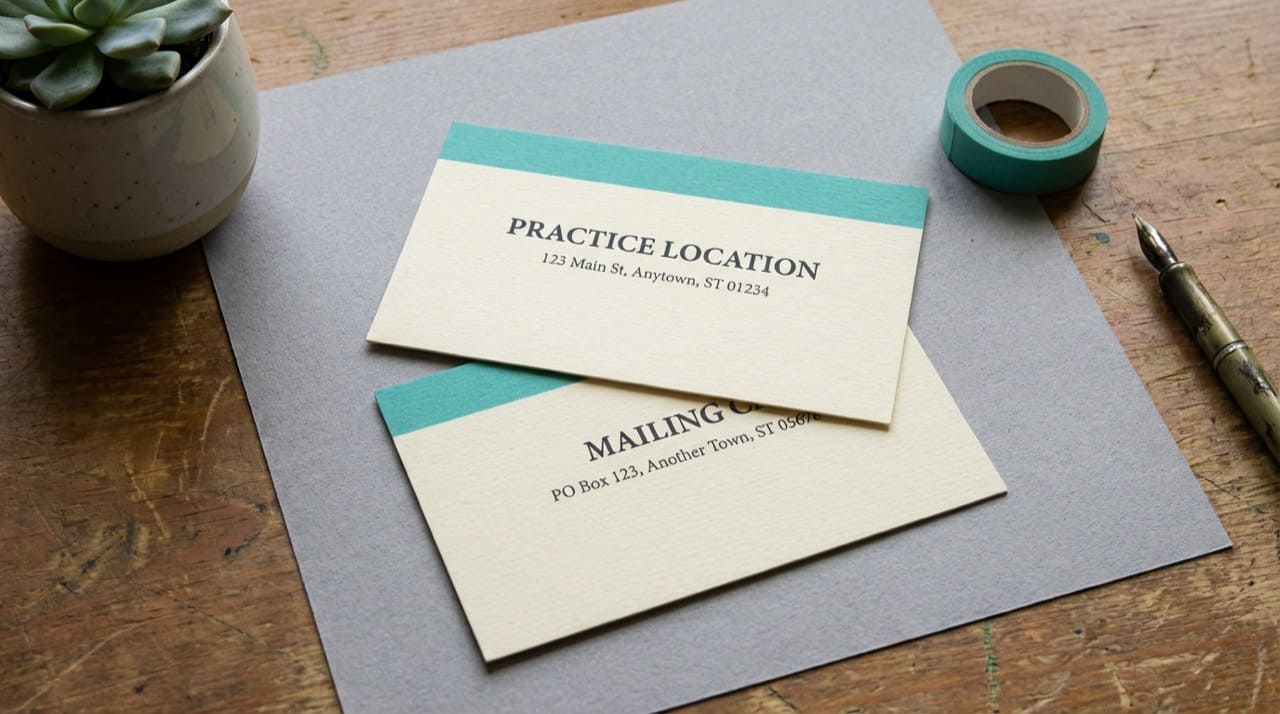
What is the difference between practice location and mailing address on an NPI?
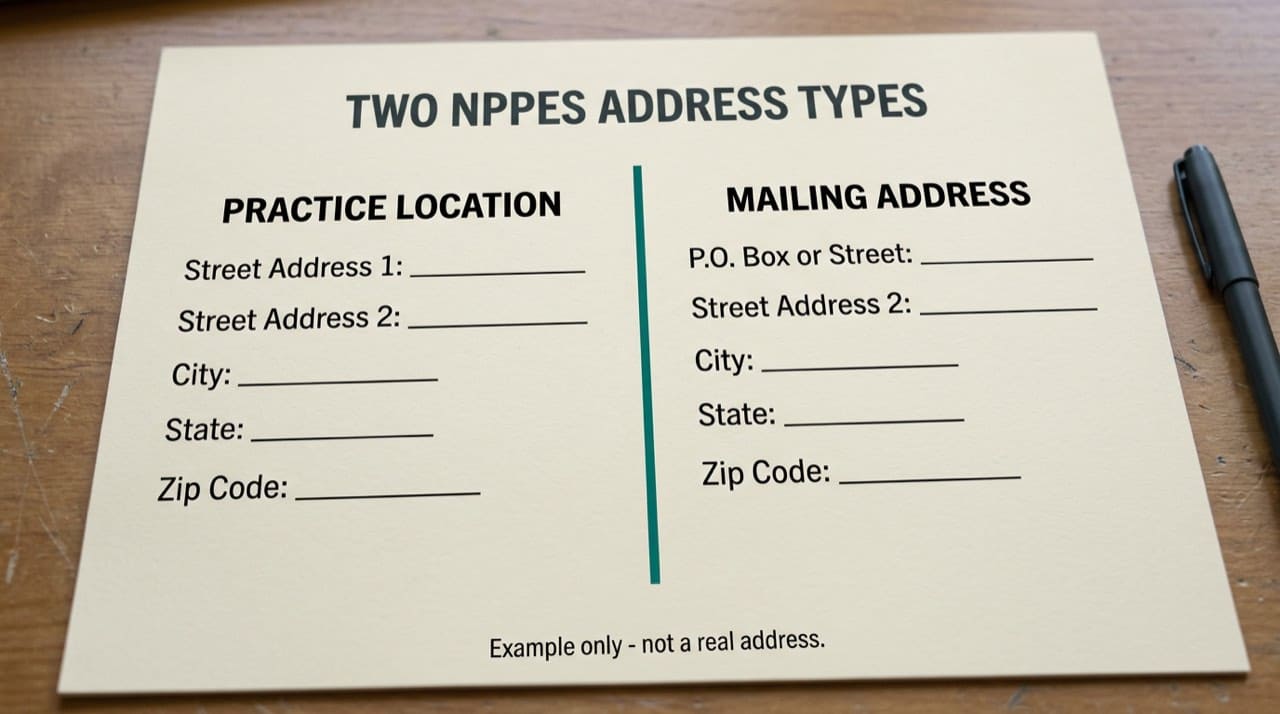
Practice location is the address tied to where services are typically furnished or where the organization presents itself for administrative purposes on the public row. Mailing address is where paper mail (remits, letters) should go when it differs, such as a lockbox or central finance office.
Both can appear in the public view when supplied on the enumeration record. Neither replaces a phone call to confirm parking and suite details for patients. Verify authoritative fields on the NPPES NPI Registry search. Program context: CMS NPI overview.
Why rows drift across systems
Clearinghouses, payer portals, and marketing sites refresh on different schedules. A fresh NPPES update does not instantly reprogram every downstream copy. Reconcile instead of assuming "the NPI is wrong" when two honest screens disagree.
For public-field scope, read is NPI registry information public. For how third-party tools relate to CMS timing, read third-party NPI sites and the official registry.
Operational habits
Assign an owner for NPPES updates when you move or rebrand. Checklist: update NPPES, notify top payers, email billing vendors, then marketing. Paste legal strings exactly; autocorrect breaks matching.
Use fresh screenshots with visible dates, not stale files from a shared drive.
When to update and who may edit
Only authorized users should submit NPPES changes. If you delegated to a billing company, contracts should say who clicks submit and how you review diffs before they go live. For timing and correction habits beyond this page, read when to update NPPES and correct NPI data.
Patients, maps, and reasonable expectations
Patients sometimes treat the registry like a turn-by-turn app. It is closer to an administrative directory. The practice location might describe a corporate office, a flagship clinic, or a site listed during enumeration even if schedules now span multiple buildings. Always confirm suite, parking, and hours with a human before someone travels.
If you compare two specialists for referral paperwork, write down the practice phone you verified live alongside the address line you copied from NPPES. That pair survives insurance forms better than a nickname alone.
Denied claims that are really address hygiene
Some denials surface as coding mysteries when the underlying issue is a suite mismatch between the claim, the payer directory, and the public row. Before you rewrite clinical content, compare the three address strings character for character and note which system lagged.
How we fit in
NPIPublicData.org is independent. We do not edit NPPES. Compare NPIPublicData.org to CMS the same afternoon if you see a mismatch, then contact us if our mirror looks wrong. Read the Disclaimer.
Lookup technique: how to look up a provider's NPI. More guides: Knowledge Base.
Groups with multiple sites
Large groups may enumerate or update locations as sites open and close. The row you see might describe a flagship clinic while a satellite schedules most visits. Credentialing and referral workflows should confirm which site the privilege or contract references before you copy an address into a legal packet.
If you work revenue cycle for a multi-entity system, maintain a short table that maps each facility label in your PM to the legal entity string and NPI on claims for that site. Ambiguity there surfaces as address denials that look like coding errors.
Front desk and scheduler training
Schedulers who never open NPPES still spread bad addresses when they free-type suite numbers into templates. A one-time lunch-and-learn that shows practice versus mailing on a real screenshot prevents six months of wrong patient handouts. Pair the training with a printed cheat sheet that lists the legal entity string next to each location code your office uses internally.
When patients call because "Google says something different," explain calmly that directories aggregate many sources and that the office confirms today's entrance and suite. The registry row is not a substitute for that human confirmation.
Small capitalization or punctuation differences between your letterhead and NPPES rarely change search results, but they do annoy humans comparing printouts side by side, so standardize copy-paste habits once and write them into training.
Practical next steps
Open your organization or provider NPI today. Read practice location and mailing side by side. Map each payer portal field to the NPPES line it should mirror. Schedule a quarterly re-check after busy move seasons.
After any move, run one test claim or eligibility check with the new address sequence your clearinghouse expects, even when NPPES already looks correct. Some payers refresh slower than the public registry.