Why does my NPI lookup return no results?
Usually because the query does not match what NPPES stores (typo, wrong legal name, over-tight filters), the tool is stale, or the number is deactivated and your UI hides it. Only after you rule those out should you treat "not found" as "probably not enumerated yet."
Split the problem: search hygiene and data freshness first, then enumeration reality. CMS publishes the registry and files the public ecosystem ingests; timing and parsing differ by site. For official proof, use the NPPES NPI Registry search the same day you decide. Program context: CMS NPI overview. File refresh cadence: Data Dissemination.
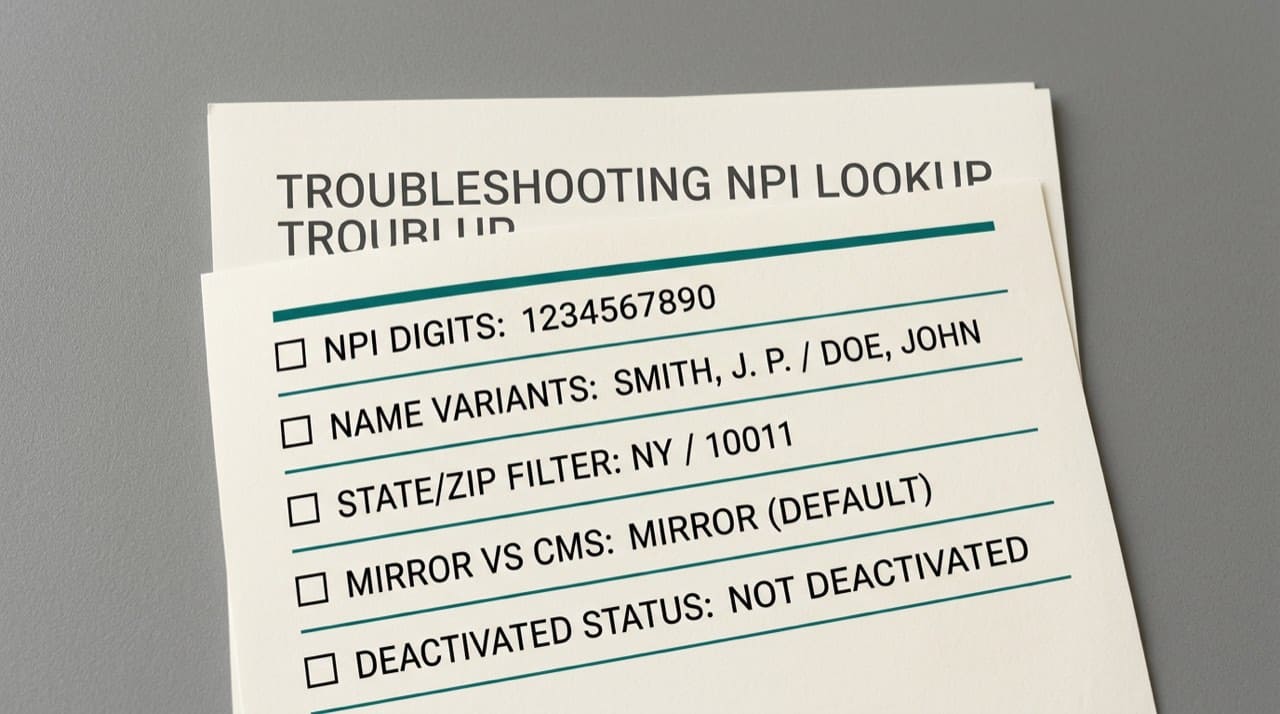
Digits, paste traps, and spreadsheets
Hidden Unicode, OCR from faxes, and mobile paste can corrupt a string that looks fine on screen. If check-digit logic is available in your workflow, run it; if digits are valid but lookup fails, suspect formatting not fraud.
Import NPI columns as text before CSV opens in Excel. Scientific notation and dropped leading zeros cause "impossible" not-found tickets that reproduce instantly once someone reformats the sheet.
Filters: geography and taxonomy
State and ZIP shrink large name lists; they also hide rows when the practice moved or when mailing address sits out of state. Remove one constraint at a time and watch the result set.
Taxonomy narrows common names. Pair it with organization name when you are hunting a specific specialty.
When the record really is missing
New hires, students, and locum setups sometimes predate enumeration. If every spelling variant fails on CMS and the provider confirms no NPI, stop guessing and start the authorized NPPES enumeration path for their situation.
Keep a ticket log: exact strings tried, timestamps, and whether the attempt was on CMS or a mirror. That habit ends duplicate meetings.
Vendor UI and corporate networks
Try another browser, disable extensions that rewrite URLs, and expand collapsed "advanced" panels. Proxies occasionally strip query parameters.
Open vendor issues only after you reproduce on the official registry; support will ask for that comparison.
Credentialing rosters and PM imports
Credentialing analysts often inherit a spreadsheet that was "cleaned" for a board packet. Cleaning sometimes strips leading zeros, converts tabs to spaces in the wrong column, or sorts rows in a way that decouples NPI from legal name. When a roster import fails, do not assume the provider is absent from NPPES until you query the same ten digits in a plain-text scratch buffer and on CMS in one sitting.
If your policy requires a screenshot, capture the official search with the query visible and the date in the corner. Internal PDFs without that context become arguments six months later about whether anyone verified the right day.
What public data can and cannot settle
A clean NPPES hit confirms enumeration fields CMS publishes. It does not prove payer enrollment, license status, or that a specific claim will pass every edit. Keeping those lanes separate prevents "the registry is wrong" escalations that are really enrollment mismatches. For the boundary between public directory data and other systems, read is NPI registry information public.
When you need CMS to change the row
If the provider proves the public row is stale and they are an authorized user, updates flow through NPPES channels, not through this website. For official change paths and realistic timelines, see contacting CMS / NPPES for official changes.
Team habits that shorten tickets
End each troubleshooting thread with one sentence in the ticket: what worked, what failed, and which CMS screenshot closed it. Paste the successful query string into an internal wiki so the next hire does not improvise from a blank page.
Keep a short list of odd but real cases your site has seen: merged practices, legal names in scripts that render oddly in certain browsers, and suite tokens that confuse parsers. Lore prevents every new analyst from rediscovering the same dead ends.
How we fit in
NPIPublicData.org is independent. We do not issue NPIs. Practice on this site’s NPI Lookup, then confirm on CMS when proof matters. Read the Disclaimer. Contact us if our display disagrees with CMS after an apples-to-apples check.
For lookup habits before you debug harder, follow how to look up a provider's NPI. Short answers: FAQ.
Practical next steps
Run three attempts: full NPI if you have it; legal name with state; legal name without geography. Save a dated screenshot from the official search when one succeeds. Update your roster with legal name, practice address, and taxonomy so the next analyst does not start from zero.
Supervise trainees by having them narrate the search once; skipped filters show up in speech faster than on a silent screen share.