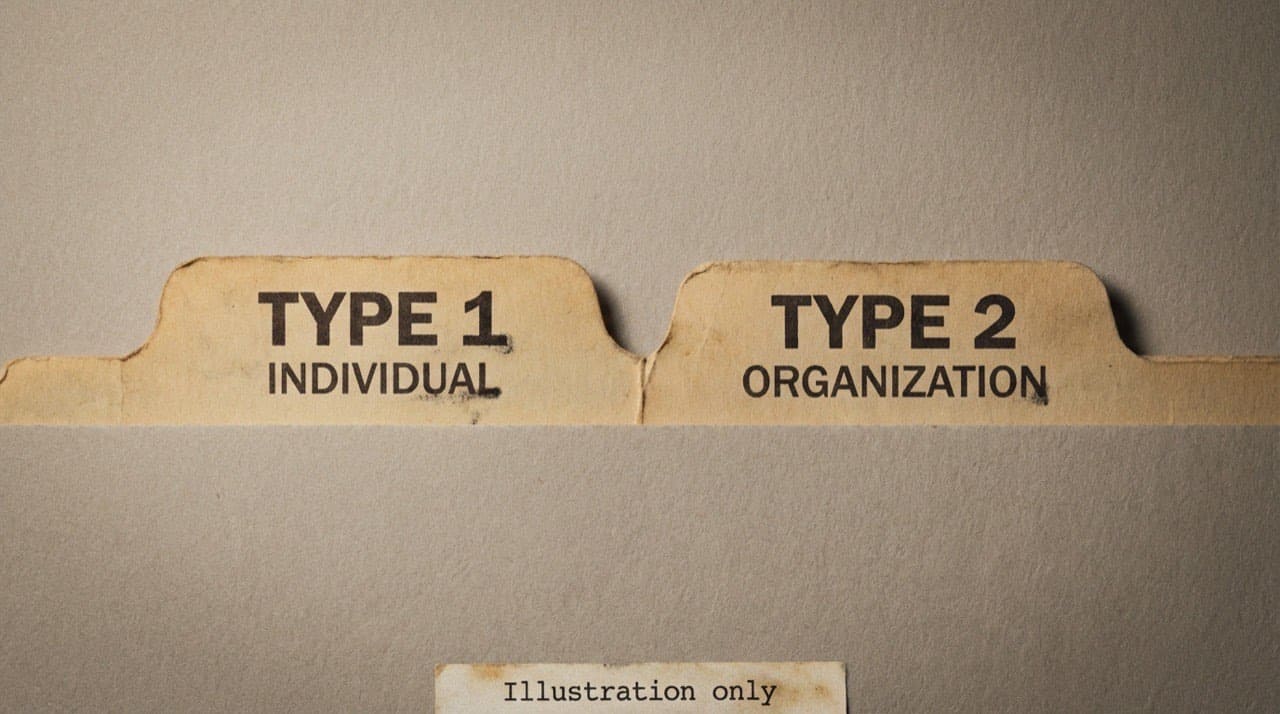
Type 1 vs Type 2 NPI: two buckets in one registry
Type 1 is an NPI for an individual health care provider; Type 2 is an NPI for a legal organization. Both are issued through NPPES under CMS, and telling them apart matters because claims often need the correct ten digits in the correct role.
CMS states that health care providers who are HIPAA-covered entities must obtain an NPI; this page helps you tell Type 1 and Type 2 apart once you’re reading a row. Everyday speech collapses both into “the NPI,” which is how billing offices end up with the right ten digits in the wrong role on a claim. If the baseline definition is still fuzzy, read what an NPI number is first, then return here.
Type 1 is the person enumerated as an individual; Type 2 is the legal entity (group, hospital shell, agency, etc.). CMS uses the same labels on its National Provider Identifier overview. CMS says digits don’t encode geography or specialty. Issued Type 1 numbers usually start with 1 and Type 2 with 2; still read the enumeration-type field in NPPES, not only the first digit.
Type 1: the number that usually follows the clinician
When a physician or other individual provider says “my NPI,” they typically mean their Type 1. It’s tied to how they enumerated as a person, not to your hospital’s employee ID system. Ordinary job changes don’t mint a new Type 1 every time someone updates their LinkedIn.
Legal name, address, and taxonomy still update in NPPES when an authorized user files; stale exports cause real arguments.
Onboarding tip: collect the Type 1 early, verify it with the official lookup workflow, then write it down where credentialing and billing both read the same field name.
Type 2: the entity that signs like a company
A Type 2 belongs to the organization itself. The name strings and addresses on that row should read like the legal party on contracts, not like “whatever we call the front desk.” Big systems may own many Type 2 values across subsidiaries. A small group might have exactly one Type 2 plus a handful of Type 1 values for each rendering provider.
Copying another clinic’s pattern is how you inherit their mistake; structure and contracts decide the shape.
Reading the registry row without squinting
Before you compare addresses or taxonomy, read enumeration type (individual vs organization) on the NPPES NPI Registry search row. Skipping it causes group-vs-clinician mix-ups.
If two people in your office disagree about “which NPI is the real one,” write down the ten digits and pull the same row twice on the same day. Often you’re arguing about two different numbers that only looked similar on a sticky note.
Why one claim might want both
HIPAA standard transactions separate roles: who rendered, who’s billing, sometimes which facility, depending on the scenario and companion guide. It’s common for a professional claim to carry an individual in one slot and a group entity in another. Patients only see the brand on the sign; the X12 world sees both layers.
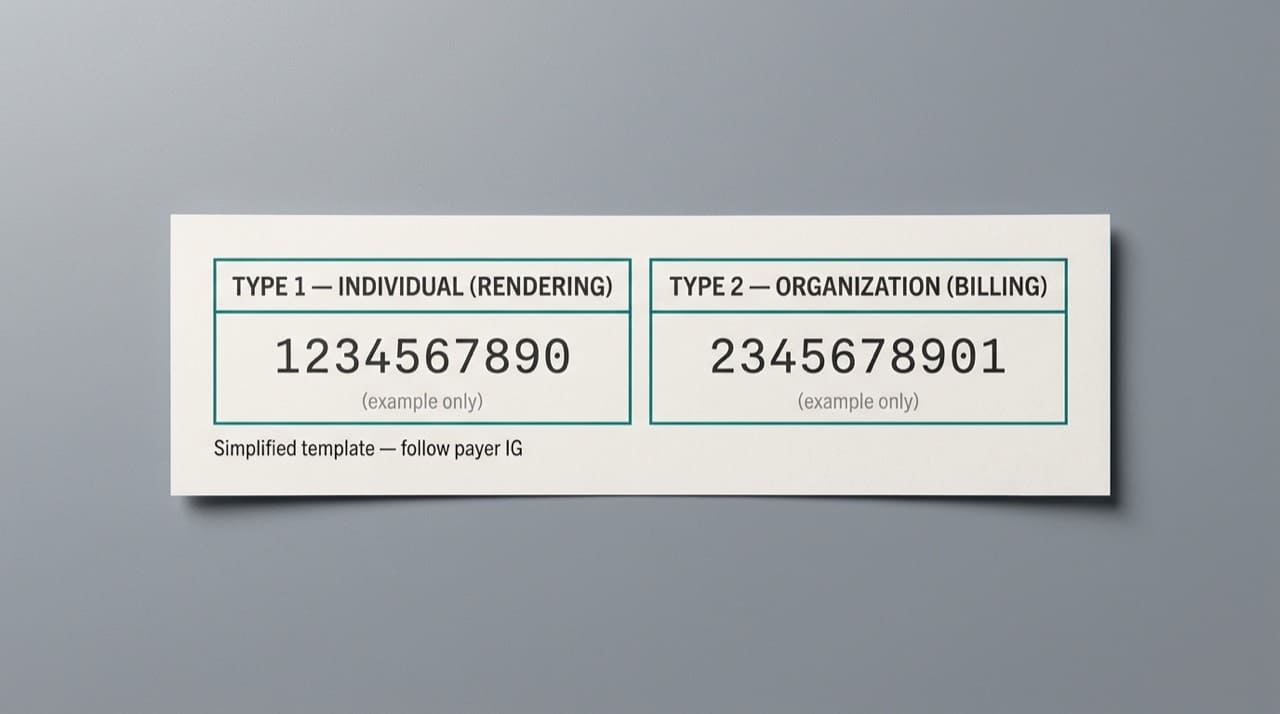
Your clearinghouse hides the raw segments, but the mapping underneath still follows those rules. When training, walk one clean claim on paper with a highlighter before you trust every EHR default.
Sole proprietorships add a parallel chapter CMS publishes separately. If that’s you, read sole proprietors and embedded NPI relationships next instead of improvising from this page alone.
Mistakes that survive until a payer says no
Teams sometimes stuff the group Type 2 into every NPI field because it’s psychologically “the practice number.” Other teams paste the physician Type 1 everywhere because it feels more personal. Both habits produce “invalid combination” style edits that waste a week if nobody screenshots the payer’s exact wording. If the spreadsheet also mixes tax IDs and payer “provider IDs,” sort those columns using NPI vs other provider IDs before you blame Type 1/2 alone.
Audit a sample per payer, not only per specialty; neighboring Medicaid plans can disagree.
Patients and directories
Patients say “my doctor” and “the clinic,” not Type 1 and Type 2. Match legal names to what’s on the door where you can, and show a “last updated” date when you sync from NPPES; silent stale feeds erode trust.
Where CMS documents the technical side
For the government’s own read interface and API surface (different from our JSON product), see CMS’s NPPES API page. That’s the right bookmark when your engineer asks for canonical field behavior, not when a biller just needs to confirm a ten-digit value. For bulk file cadence straight from CMS, bookmark our Downloads hub and reconcile dates against CMS Data Dissemination before you schedule jobs.
If you’re counting how many numbers a person should carry over a career, read how many NPIs a provider can have. For quick behavior questions about our lookup UI, try the FAQ before you open a ticket.
Developers integrating with our read-only JSON should read our API documentation for keys, parameters, and rate expectations.
Teaching new billers without drowning them
Laminate one clearinghouse diagram with the two NPI slots you use, then line it up with a registry printout; definitions stick when they’re glued to your real template. Rotate two or three practice patterns so people don’t overfit one story.
Ground rules about this site
NPIPublicData mirrors public NPPES data on NPIPublicData.org in our own layout. We’re not part of CMS. If your policy demands a government-hosted screenshot, use CMS’s tools and file it the way compliance asked. If a row here disagrees with NPPES for the same NPI on the same day, contact us with a dated example; we can’t edit NPPES, but we can investigate our display pipeline.
For limits on how we present data, see the Disclaimer. It’s the short version of what third-party lookups can and can’t promise.