
Why does NPI search show "Deactivated"?
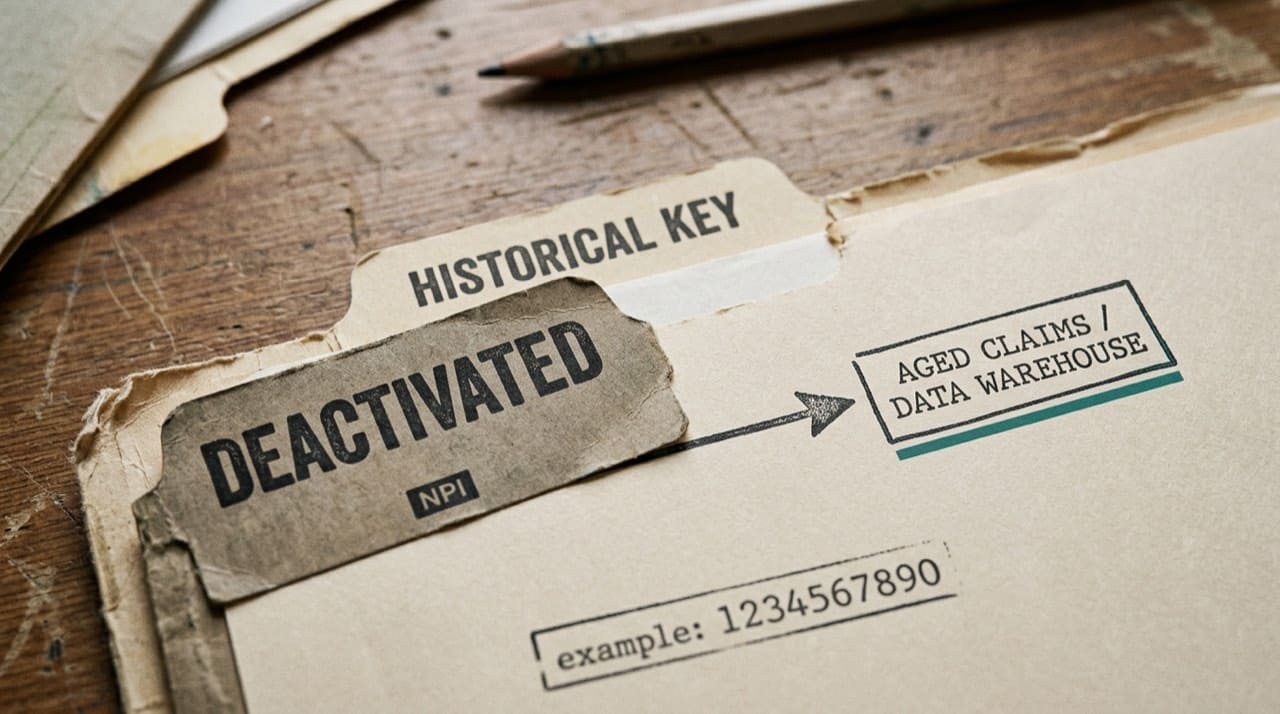
Because NPPES keeps historical identifiers visible: a deactivated NPI was usually a real enumeration that later retired for routine use (closure, merger, duplicate cleanup, career change, or another CMS-approved reason). The public feed still exposes the row so downstream systems can recognize old keys on aged claims and contracts. Deactivated does not always mean fraud or a typo, though those cases exist.
The public view tells you the number is not active for routine enumeration; it does not, by itself, tell the full story. Combine status with enrollment, HR, or payer letters when you investigate a specific case.
What CMS communicates with the status
The flag marks the number as inactive for current enumeration purposes. Internal CMS processes and the provider's own narrative hold the "why" for edge cases.
Common real-world triggers
Practices shut down. Providers move to employed models. Health systems retire duplicate Type 2 numbers. Trainees deactivate when a short-term NPI is no longer needed. Duplicate resolution can leave one number active and another deactivated.
If two rows look similar, compare addresses, taxonomy, and update dates before you assume identity theft.
Why your search tool still shows the row
Software reflects the feed CMS publishes. Deactivated records remain in that universe because downstream systems must recognize historical identifiers. Your UI might gray the row or sort it lower; complete disappearance of the key is uncommon.
NPIPublicData.org is not CMS. When status affects billing or legal paperwork, confirm live fields on the official NPPES NPI Registry search and keep proof per policy.
Don't confuse NPI status with license status
A deactivated NPI does not tell you whether a state license is active. Check each system that matters.
Related guides on billing impact
For claim submission this week, read what NPI deactivation means for billing. For what the public extract includes, read is NPI registry information public.
For quick reminders, see our FAQ and open the same NPI on NPIPublicData.org to compare how we display status to CMS.
IT and analytics perspectives
Data teams model provider identifiers over time. A deactivated flag is an event, not an order to purge the key from every warehouse. Hard-deleting old NPIs breaks joins to legitimate historical claims.
Label deactivated rows clearly on dashboards so support staff do not read "inactive" as "never existed."
Contracts, leases, and timing confusion
A provider may deactivate an NPI the same month a new group bills under a fresh Type 2. Update contracts when deals close so operations are not chasing ghosts.
When sole props incorporate, stories overlap with sole proprietors and embedded NPI relationships.
Customer service scripts that reduce panic
Train staff to say the number is retired for enumeration purposes and billing must use the active replacement on new claims. Escalate claim resubmission to a billing specialist.
Students, researchers, and genealogy-style curiosity
Academic projects sometimes treat deactivated NPIs as if rows were censored. In practice the identifier remains a key in historical datasets. Document methodology: which extract date, which filter flags, and how you treated deactivated rows in joins. Review boards care about that detail more than chart colors.
Vendor dashboards and grayed-out rows
Some products gray out deactivated numbers to protect casual users; others use loud warning banners. Neither is "more correct"; they are UX choices on the same underlying fact. Teach your team to read the exact wording instead of guessing from color alone.
When you export CSVs for analytics, include the status column explicitly. Downstream pivot tables that only keep the digit string lose context and recreate confusion next quarter.
If you reconcile weekly against CMS incremental files, remember that a row can flip status between extracts. Log the file version you joined so nobody argues about ghosts from last month's snapshot.
Practical next steps
Note the deactivated NPI, find the active replacement in payer or credentialing files, and update your master provider table before the next billing cycle. If no replacement exists, stop billing under the old number and open an enrollment ticket rather than hoping a clearinghouse edit will pass.
When you brief executives, lead with business impact: claims may reject until enrollment matches the active number. Technical detail about historical keys can wait until someone asks why the old digits still appear in a spreadsheet.
Save an official registry printout for the date you made the change so retro audits have a paper trail. Read the Disclaimer for mirror limits. Contact us if our site mis-renders a row compared with CMS.
For lookup technique when the screen confuses you, follow how to look up a provider's NPI.