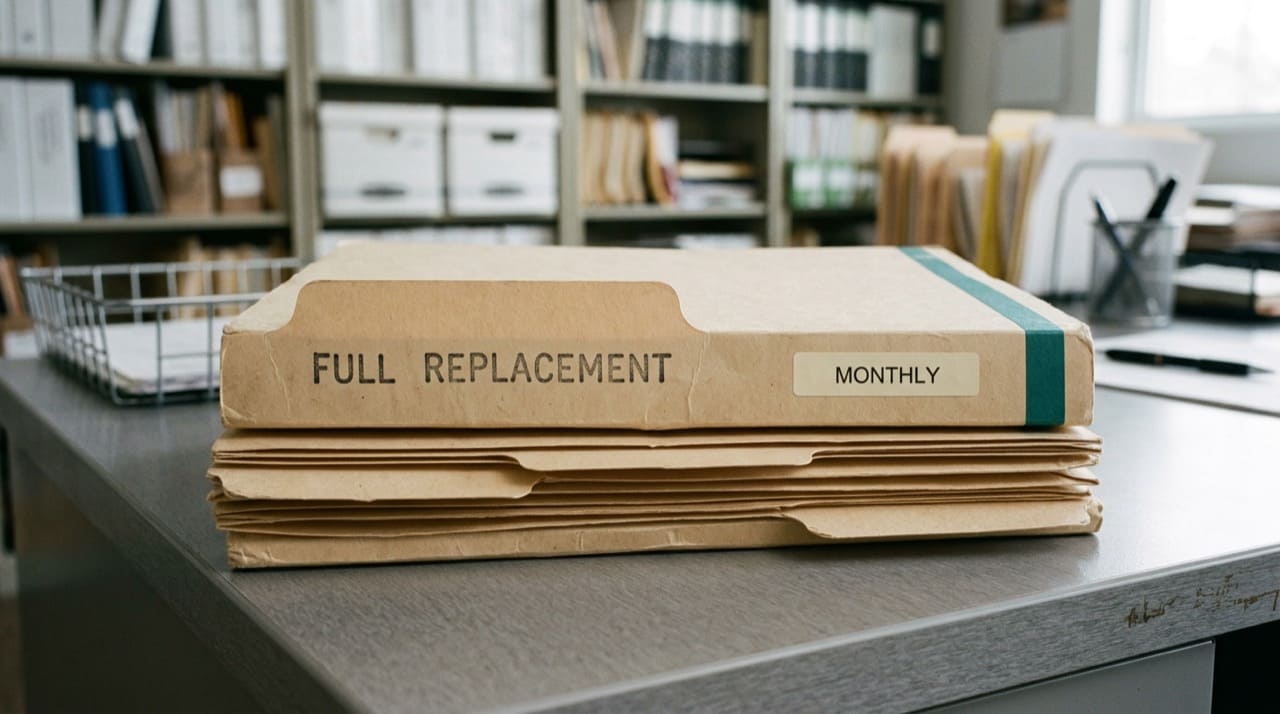
What is a CMS full replacement NPI file?
A full replacement file is the complete public NPPES extract as CMS published it at a point in time, not only rows that changed since last week. Teams use it to bootstrap warehouses, recover from broken incremental pipelines, and prove row sets matched CMS on date X for audit questions. Extracts are large; plan disk, memory, and staging capacity before you unzip anything measured in gigabytes.
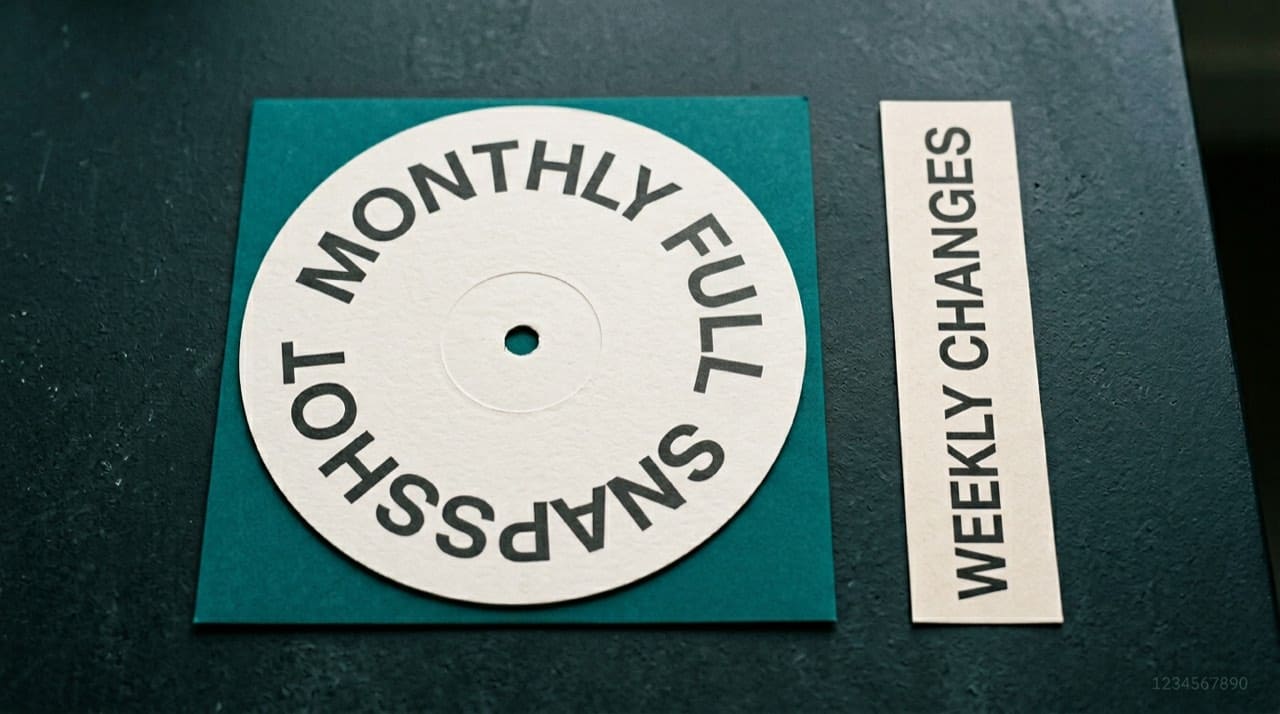
Spot-check individual NPIs on the NPPES NPI Registry search. Enumeration program context: CMS NPI overview. Monthly full file, weekly supplements until the next monthly full, registry refresh expectations, and layout notes: Data Dissemination (verify current wording before you lock architecture).
Why auditors and compliance teams ask for a dated full file
When someone asks what your warehouse contained on a specific date, a full replacement tied to that publication window is easier to defend than a chain of deltas nobody can replay. You still explain that NPPES can change between extract time and the moment a human opens a browser; the goal is a consistent story about which CMS artifact you ingested, not a claim of real-time perfection.
Credentialing and enrollment teams often need the same discipline when packets are challenged months later. For how NPPES fits next to other primary sources, see credentialing and NPI verification workflows.
Layouts, delimiters, and parser humility
Read CMS layout documentation for the file version you ingest. Column order, quoting, and newline handling inside address fields change often enough that copy-pasting an old loader recipe corrupts data quietly. Version the spec PDF or page URL next to the object storage key you stored.
Keep a golden sample of a few thousand rows per layout generation and run them through any parser change in CI. When a column shifts, your diff should scream in staging, not in production billing joins.
Capacity, transfer, and staging math
Before you promise a same-day cutover, account for uncompressed working set, sort space, and index build temp files. Network transfer from CMS or your mirror may be slower than CPU; start downloads on a schedule that finishes before the maintenance window.
Experienced teams load into staging, validate counts and keys, then swap production in a bounded window. Plan indexing for how you actually query: NPI-only versus taxonomy or geography. Rebuilding monster indexes after a wrong guess costs more than a short design session.
When legal asks how you know the file was not tampered with in transit, be ready to describe checksums, signed URLs, or internal mirror controls your security team actually operates. A vague "we trust the download page" answer invites uncomfortable follow-up questions.
Checksums, manifests, and handoffs between teams
Store the CMS-published file identifier, byte size, and cryptographic hash alongside every load record. Operations should be able to answer, without a hero engineer, which artifact fed production on a given night.
Handoffs between data engineering and application teams go smoother when both sides agree on nullable semantics for empty strings versus nulls and on how multiline addresses survive CSV escapes. Those arguments are cheaper in a design doc than in a revenue incident.
Staging, cutover, and indexes
Name a single owner for the cutover checklist: row counts, null spikes on critical columns, duplicate NPI keys, and spot checks against the registry for a random slice. If something looks off, roll back to the prior table set rather than patching forward in panic.
Where to fetch files
Official bulk entry points and how we think about mirrors: Downloads. NPIPublicData.org does not replace CMS distribution.
Operational pitfalls
File publication time is not real-time NPPES. A row can match Monday's extract and diverge Tuesday after an update. Tag enrichments with source columns so vendor guesses never masquerade as CMS fields.
Short answers on lookup behavior: FAQ. Site limits: Disclaimer.
APIs versus bulk
Interactive APIs suit low-volume checks; backfills of millions of rows usually belong with files plus a database you control. Orientation: NPI JSON API overview for developers.
When enumeration data drifts in your warehouse
Operational hygiene for corrections upstream: when to update NPPES and correct NPI data. Responsible retention and use: using bulk NPI files responsibly. Claim-slot confusion after org changes often intersects with billing, claims, and NPI basics for billers.
Practical next steps
Read current CMS file documentation end to end. Provision staging with room for two full copies plus index overhead. Schedule at least a quarterly full reload and diff it against accumulated weekly state; surprises there are cheaper than surprises in a payer audit. File a ticket to attach extract date, file name, and checksum to every production load so the next engineer inherits your paper trail.