Why do DME suppliers need NPIs?
Durable medical equipment sits inside payer-specific billing and enrollment rules, but someone still must be enumerated so claims, audits, and contracts can point at a stable identifier. Legal supplier entities usually carry a Type 2 organization NPI; individual clinicians who order or render professional services in scope often have their own Type 1 NPI. Owning a valid NPI is necessary for many workflows; it is not sufficient for every network, competitive bidding context, or product category your sales team wants.
Confirm live rows on the NPPES NPI Registry search. CMS program background: CMS NPI overview. File cadence and public data products: Data Dissemination.
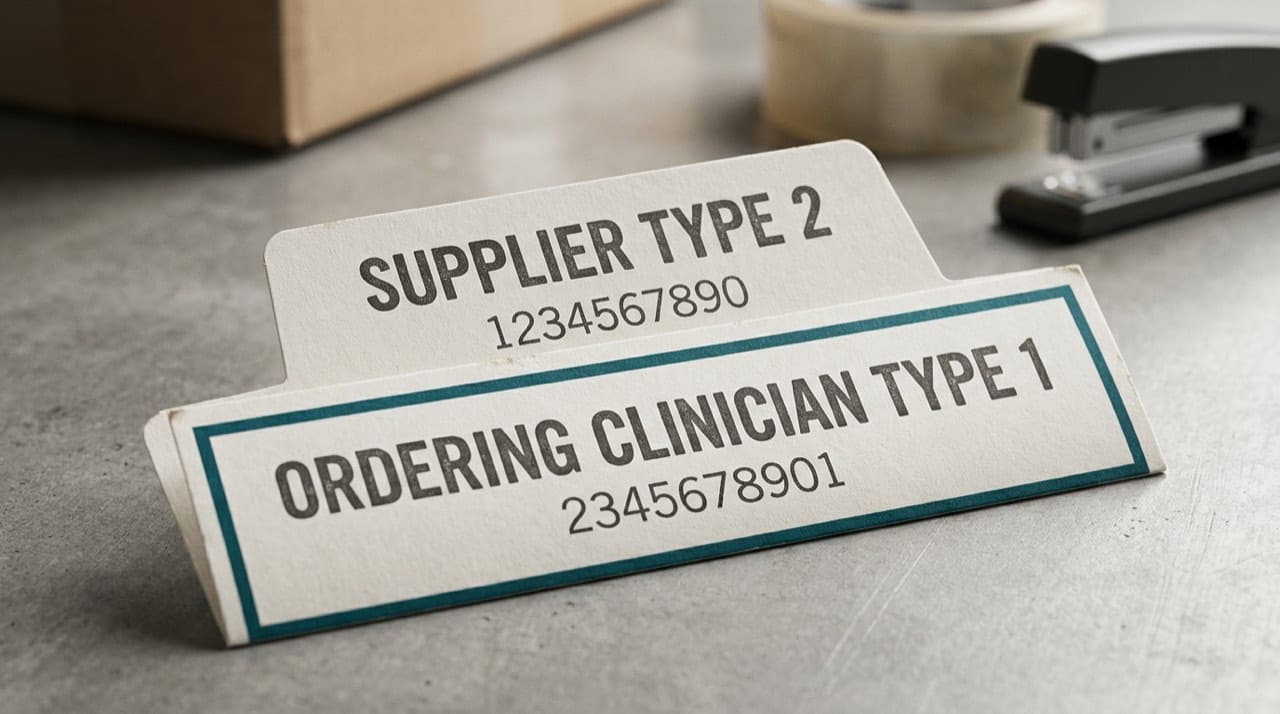
Type 1 and Type 2 in plain terms
Read Type 1 vs Type 2 NPI explained before you merge two legal identities in a spreadsheet because the names sound alike.
Taxonomy and payer edits
Payers read taxonomy as a signal about what you may bill. Compare taxonomy to services you are contracted to provide. Introductory guide: understanding NPI taxonomy codes.
Credentialing and procurement
Hospital and payer teams batch-check supplier rosters. Include a dated CMS view in packets. Workflow framing: credentialing and NPI verification workflows.
Billing triage
When denials mention NPI, open the claim, compare identifiers to NPPES the same day, and fix the source row before you reprint the error. Billing, claims, and NPI basics for billers covers common misreads.
Quick lookups versus legal proof
Use NPI Lookup here for speed, then confirm critical fields on CMS when stakes are high. Short site notes: FAQ.
Competitive bidding and program layers
Medicare competitive bidding and other program-specific enrollments stack on top of having an NPI. Treat enumeration as the table stakes, then maintain a separate spreadsheet for which product categories and regions you are actually authorized to bill this quarter.
Procurement and bulk reconciliation
Materials managers who vet hundreds of suppliers should ingest CMS files on a documented schedule and join extracts to vendor master data. Read CMS layout notes before you trust a parser written three years ago. Responsible use patterns: using bulk NPI files responsibly.
Red flags that are not always fraud
A brand-new NPI plus an aggressive sales call deserves diligence, yet legitimate startups enumerate quickly after acquisitions. Focus on whether legal name, address, and phone match what contracting already approved. Escalate when policy requires; leave criminal investigation to the teams trained for it.
When the supplier row looks wrong
If search fails after sensible tries, use troubleshooting NPI lookup not found before you assume the supplier never existed. If the row is right but your internal template is stale, fix NPPES-driven fields first: when to update NPPES and correct NPI data.
Engineers and file cadence
Monthly full replacement and weekly incremental semantics matter when you build warehouses. High-level orientation lives in our guides on the full replacement file and weekly files in the Knowledge Base index; always reconcile to CMS documentation dated the week you deploy.
Oxygen, orthotics, and product-line splits
Some suppliers span multiple product categories under one legal entity while payers treat each line with different enrollment rules. Keep a simple internal matrix that lists each product family, the NPI types you bill under, and the analyst who owns each payer relationship. When a category adds a new state license, treat that as a trigger to re-read both taxonomy selections and the contracts that reference them.
Audit dry runs before outsiders arrive
Export your active vendor or patient-facing supplier list, join it to the latest public file you trust, and flag deactivated numbers or mismatched legal names while you still control the calendar. Fixing easy rows early keeps auditors focused on genuine exceptions instead of typos you could have corrected last month.
Patient anxiety and directory lookups
After discharge, families sometimes search equipment suppliers from a kitchen table at midnight. A coherent NPPES row will not promise friendly delivery drivers, but it does show that the business name on the brochure matches an enumerated supplier. Pair that reassurance with plain-language instructions from your intake team about what happens next clinically.
Independent site
NPIPublicData.org mirrors public data; we are not CMS. Disclaimer. Bugs: Contact us with NPI and date compared.
Practical next steps
Pick three supplier NPIs you bill weekly. Screenshot address blocks from the official search for your training folder. Quarterly, re-check any supplier that changed ownership. Before audits, join your vendor list to a fresh public file and flag deactivated numbers early.