Which NPI is the home health agency NPI?
When hospitals, payers, or families say "the agency NPI," they usually mean the Type 2 organization NPI for the legal entity that holds certification, signs plans of care, and appears on enrollment paperwork. Individual nurses, therapists, and aides who are enumerated still have their own Type 1 NPIs for professional identity; which number belongs on which line follows payer policy and your implementation guide, not hallway shorthand.
Verify the public row on the NPPES NPI Registry search. CMS enumeration overview: CMS NPI overview. Registry and file refresh context: Data Dissemination.
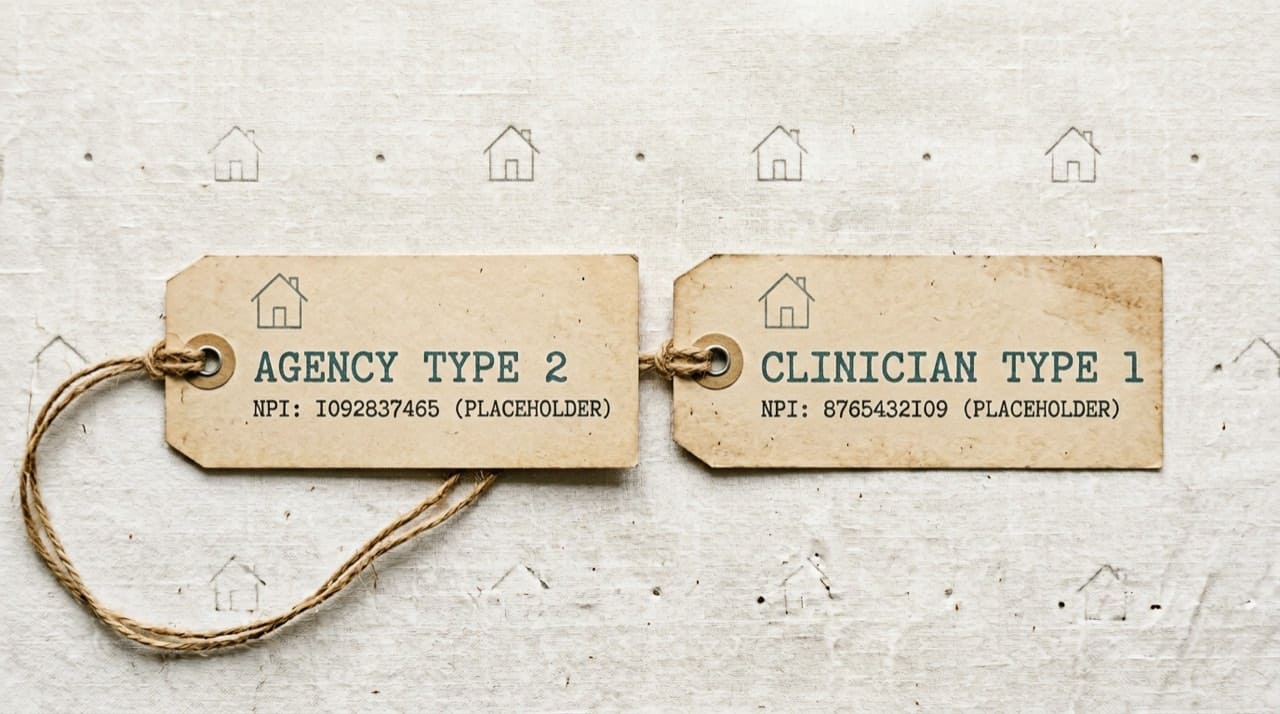
Type 1 versus Type 2 refresher
Start with Type 1 vs Type 2 NPI explained before you rename CRM fields.
Credentialing packets
Hospitals want a dated government view of the agency row beside licenses and insurance. Build that habit into submission week, not the night before privileges.
Patients and families searching from home
A clean registry row confirms the business name matches an enumerated provider; it does not score clinical quality. For patient-friendly lookup habits, point families at how patients can find a provider's NPI.
Partners and directories
Send your Type 2 NPI in the first email to hospital and ACO partners so care-transition tools can key correctly. Align spelling on marketing with NPPES to reduce confusion.
Branches, service areas, and ghost addresses
Agencies with wide footprints accumulate stale branch addresses in fax headers, OASIS cover sheets, and old hospital preference cards. Run a quarterly compare between NPPES, your top payer portals, and the PDFs clinicians actually print. When a branch closes, delete obsolete strings from macros the same week you update the registry.
Billing fire drills and the wrong NPI call
When a payer says wrong NPI, open the claim line, compare it to the manual, and capture whether the issue is a transposition, a Type 1 in a Type 2 slot, or an enrollment mismatch. Document the payer rule with a link and capture date so new billers do not improvise under pressure.
Surveys and paperwork consistency
Surveyors notice when legal names diverge across the plan of care, enrollment file, and public registry. Align strings across NPPES, state licensure, and Medicare enrollment before the clipboard tour. Keep a matrix of state Medicaid IDs beside the NPI each row is supposed to reference, with a last-verified date.
Credentialing depth
Hospital privilege offices expect thick packets. Include a current-week NPPES printout beside liability insurance and licenses. For a workflow checklist that matches how analysts think, cross-read credentialing and NPI verification workflows.
Clinical specialties under one umbrella
When you add a new discipline under the same legal entity, sequence taxonomy updates in NPPES with payer notification letters so you are not legally cleared to bill while still electronically invisible.
Intake scripts and small confirmations
Train intake staff to repeat the servicing agency name and confirm spelling against the card the patient holds. Tiny mismatches caught on the first call prevent downstream claim fires nobody has time to fight during flu season. Give schedulers a literal copy of the Type 2 NPI string in their desk reference so they are not reading glasses off a sticky note covered in coffee rings.
OASIS, plans of care, and fax ghosts
Headers on clinical paperwork should match the legal strings enrollment expects. When a fax footer still lists a suite you vacated two years ago, you are teaching downstream partners to mistrust every field you send. Schedule an annual pass through template libraries the same week you verify NPPES.
Family stress and realistic promises
Anxious relatives will search your agency online before your nurse finishes the admission call. A consistent brand string between Google, your website, and NPPES reduces panic even though it cannot guarantee visit timing or staffing. Pair directory accuracy with honest communication about when a clinician will arrive so families are not solving administrative mysteries instead of resting.
Data sharing with ACOs and hospitals
Care-transition tools fuzzy-match on names unless you supply clean keys. Put the Type 2 NPI in the subject line of onboarding email, not buried on page nine of a scanned contract. You will cut preventable delays that frustrate bedside nurses who already have enough alarms to answer.
Independent site
We do not operate NPPES. Read the Disclaimer. Display issues: Contact us with reproducible details.
Practical next steps
Name one operations owner for NPPES hygiene. Pull the agency NPI on the official search this week, save a PDF for credentialing templates, and compare addresses to your website and public profiles. Train intake to confirm insurance cards and agency identity on every admission call.